Grow your Shopify email list without relying on ads
Build an email list you actually own — and use it to drive repeat sales, launch products, and stay top of mind without relying on paid ads.
+3–7%
average signup rate
on optimized Shopify forms
+3–7%
average signup rate
on optimized Shopify forms
up to
10%+
CR
with high-intent targeting
up to
10%+
CR
with high-intent targeting
up to
20%
repeat purchase rate
from email subscribers
up to
20%
repeat purchase rate
from email subscribers
up to
15% of
total revenue
driven by email marketing
up to
15% of
total revenue
driven by email marketing
+3–7%
average signup rate
on optimized Shopify forms
up to
20%
repeat purchase rate
from email subscribers
up to
10%+
CR
with high-intent targeting
up to
15% of
total revenue
driven by email marketing
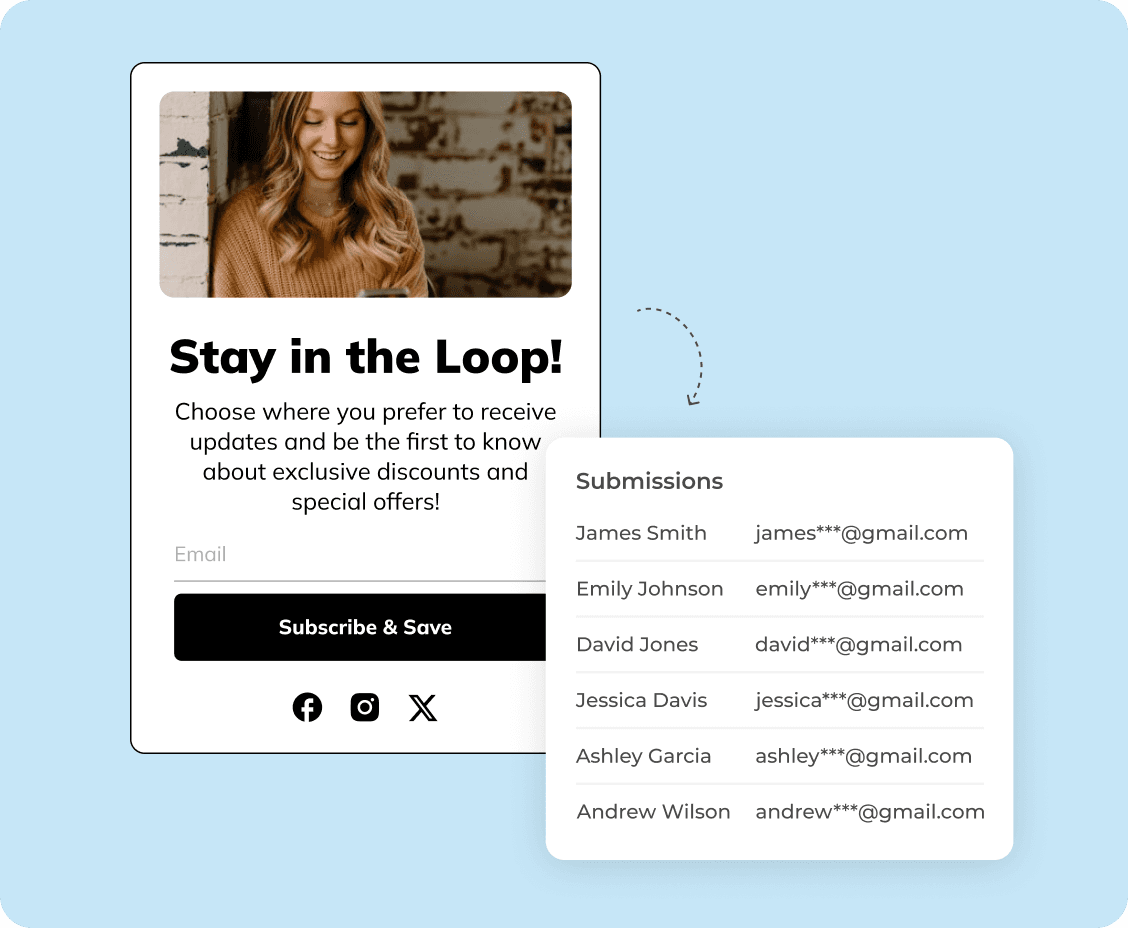
Build an audience you actually own
Unlike paid ads, your email list is a direct channel to your customers — no algorithms, no rising costs.
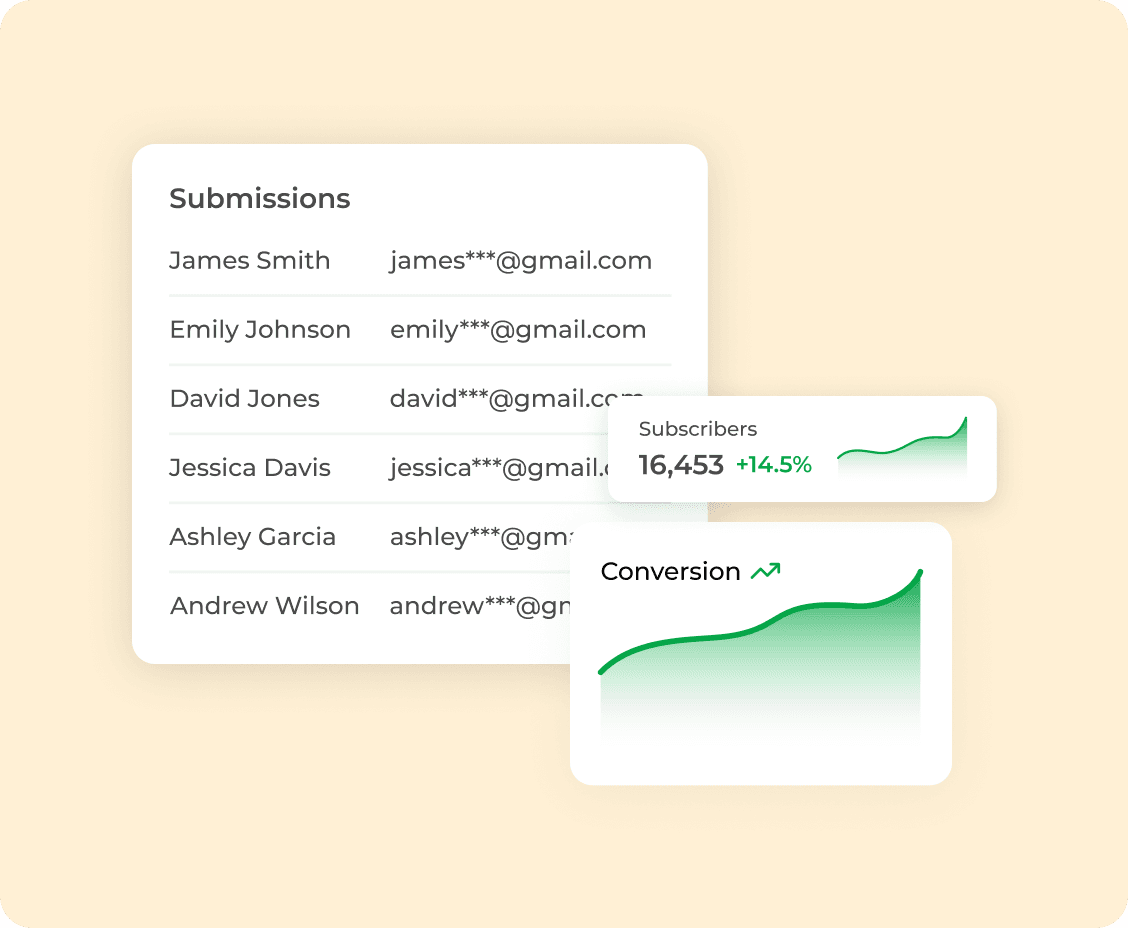
Turn subscribers into repeat buyers
Email consistently drives retention and repeat purchases through campaigns, flows, and product launches.
Capture high-intent visitors
Well-timed signup forms convert visitors who are already interested but not ready to buy yet.
Key features
Key features
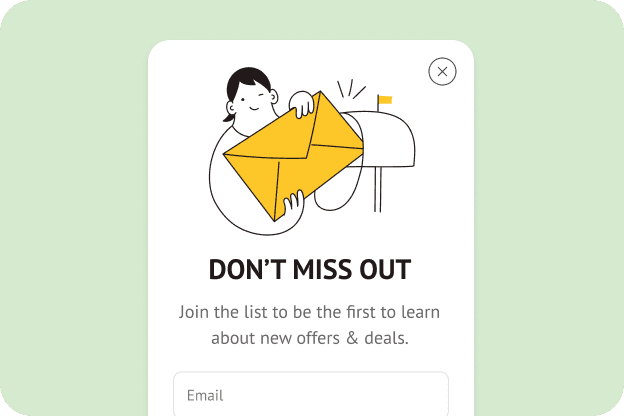
Strong value proposition
Game component
Give users a clear reason to subscribe — discount, early access, exclusive content, or perks.
Use game-like popups people instantly recognize — spin the wheel, scratch cards, memory matching, treasure hunts, slot machines, pick-a-gift, or seasonal ones.
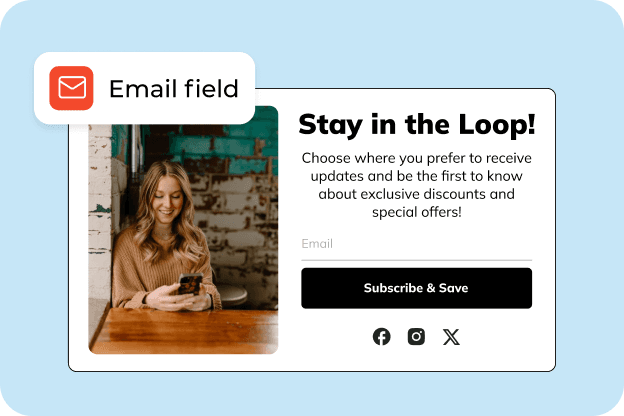
Simple input fields
Incentive offer
Keep it minimal (email first) to reduce friction and increase conversions.
Offer clear rewards — discounts, free shipping, or exclusive perks — in exchange for email. Well-structured incentives motivate signups while allowing you to control margins.
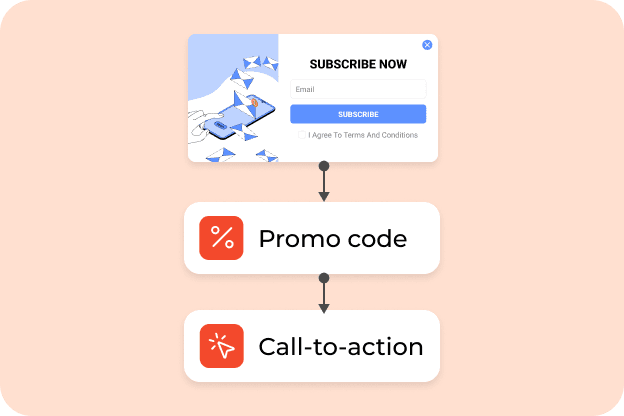
Incentive + promo code
Conversion-focused flow
Offer a discount or promo code to drive immediate signups and first purchases.
Guide users from interaction to signup with a simple flow: game, email capture, strong call-to-action, and optional countdown timers to create urgency.
Strong value proposition
Give users a clear reason to subscribe — discount, early access, exclusive content, or perks.
Simple input fields
Keep it minimal (email first) to reduce friction and increase conversions.
Incentive + promo code
Offer a discount or promo code to drive immediate signups and first purchases.
When to use for better results
When to use for better results

On first visit
Convert first-time visitors
Capture new visitors early before they leave without converting.
Turn first visits into signups or first purchases by offering an engaging reward upfront. This helps you capture attention early and build your list before users leave without taking action.

On exit intent
Recover exiting visitors
Offer a last chance to subscribe with an incentive before users bounce.
Stop visitors right before they leave with a timely offer or discount. Exit-intent gamified popups give users a reason to stay, helping you capture leads and recover lost conversions.

After engagement signals
Drive seasonal campaigns
Trigger after scroll, time on page, or product views to target warmer visitors.
Highlight limited-time offers during peak periods with interactive experiences that stand out. Gamified popups help increase engagement and drive more immediate sales during high-traffic campaigns.
On first visit
Capture new visitors early before they leave without converting.
On exit intent
Offer a last chance to subscribe with an incentive before users bounce.
After engagement signals
Trigger after scroll, time on page, or product views to target warmer visitors.
Connects with any of your tools
Connects with any of your tools


and more than 20+ tools to integrate
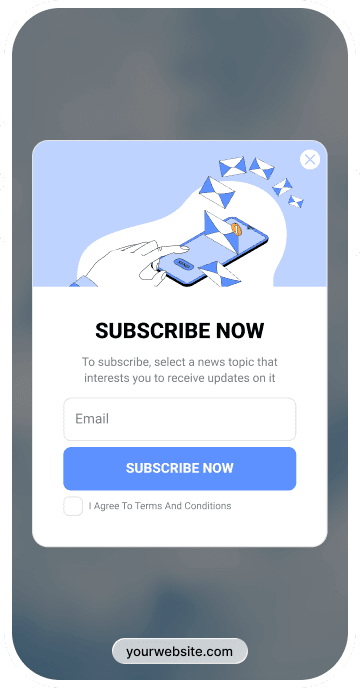
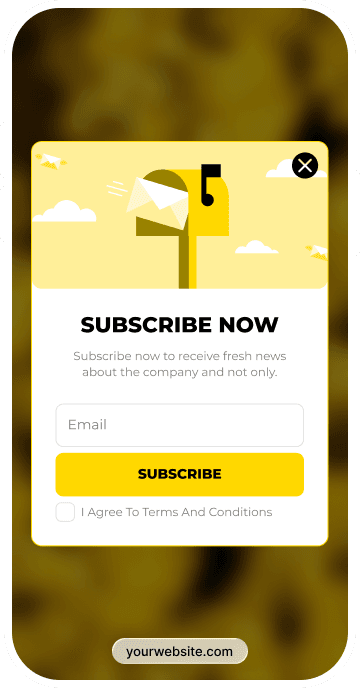
Get inspired by CRO-ready templates
Get inspired by CRO-ready templates
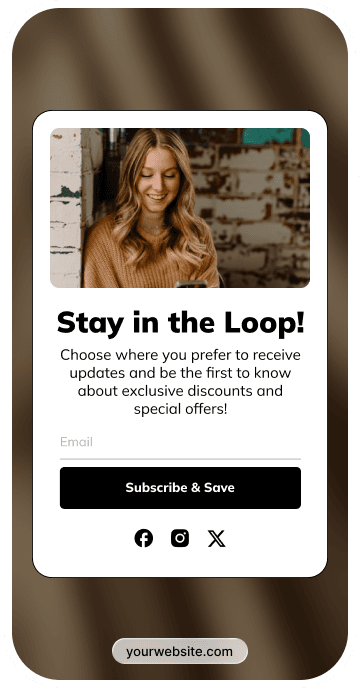
How to create
How to create
Convert more with proven CRO tactics
Convert more with proven CRO tactics
Convert more with proven CRO tactics
See how much revenue your current popups are leaving on the table. Get started in minutes and see results right after.
See how much revenue your current popups are leaving on the table. Get started in minutes and see results right after.
Frequently asked questions on Shopify email newsletter signup forms
Frequently asked questions on Shopify email newsletter signup forms
Start by delivering what you promised. If there’s a discount, send it right away. If it’s early access or a guide, make sure it’s easy to find in the first email. This is also a good moment to briefly set expectations — what kind of emails you send and how often — and to point people toward a few products worth starting with.
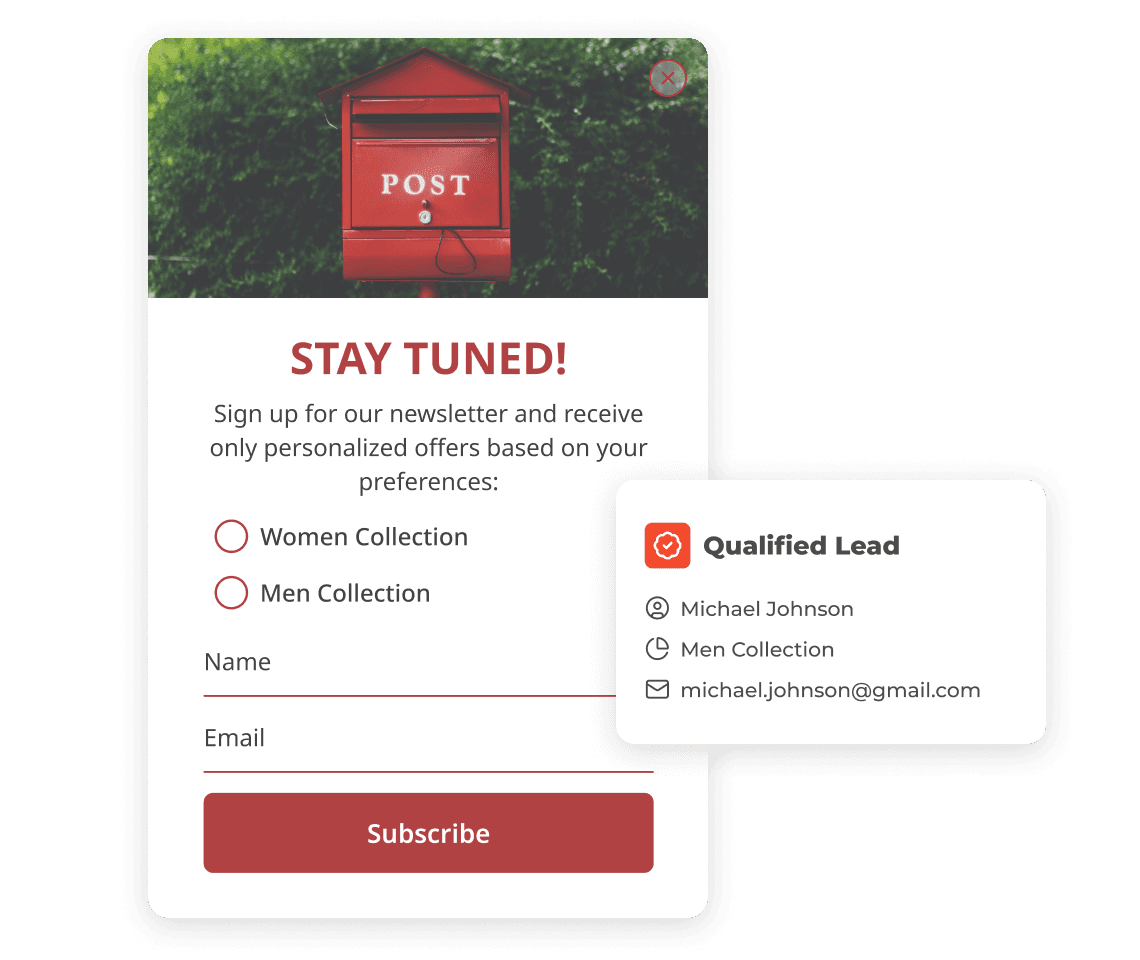
If you can, segment early. A single optional question in your Shopify newsletter signup form — for example, which products or topics someone is interested in (women’s, men’s, kids, new arrivals) — gives you useful context from day one and helps your emails feel more relevant right away.
From there, a short welcome flow is usually enough. Two or three emails can introduce the brand, add context, and gently transition subscribers into your regular campaigns without losing momentum.
No, coding isn’t required. Claspo is a platform with a dedicated Shopify app. You create and manage signup forms through the editor, without working with code. Design, text, display rules, and targeting are all set through the interface. There’s no need to touch theme files or deal with custom scripts.
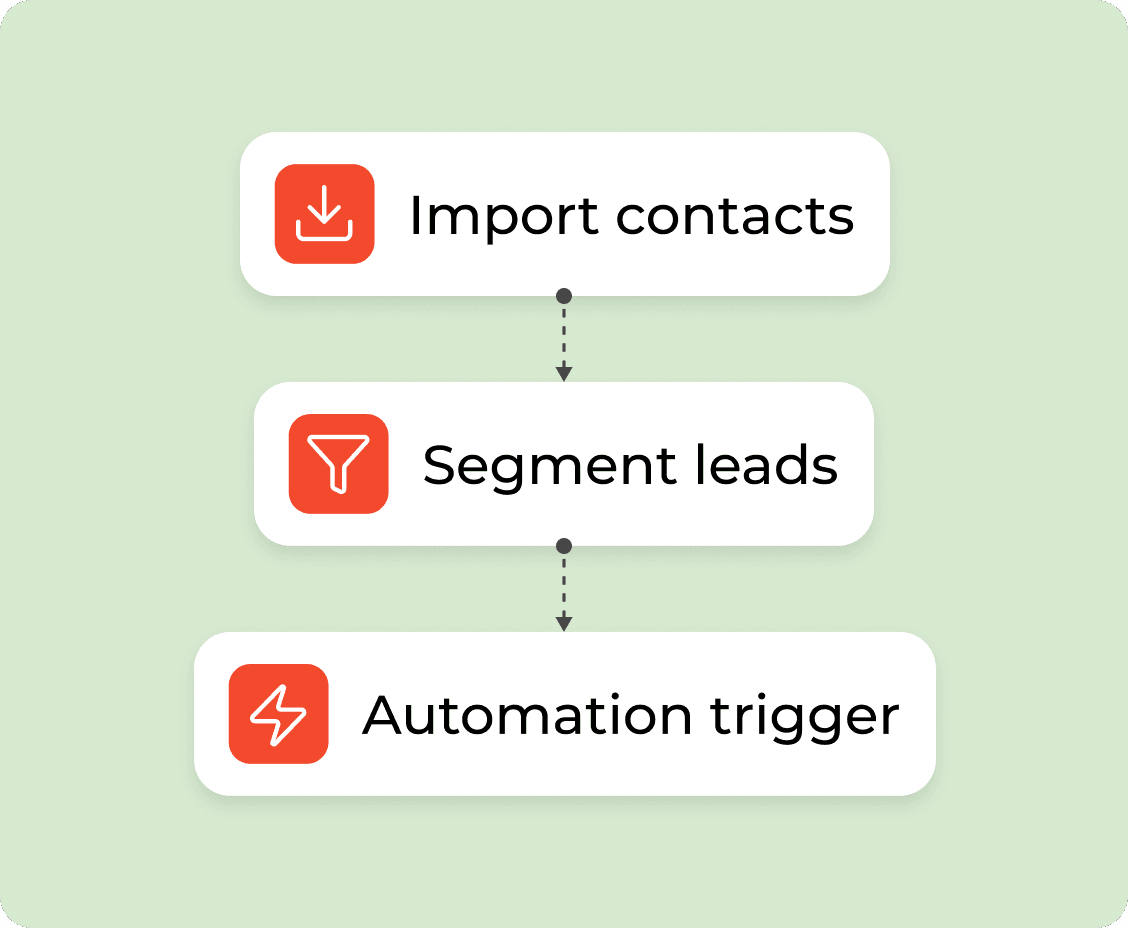
Claspo connects directly to many popular ESPs and CRMs. Once you link your account and map the fields (email, name, tags, etc.), new subscribers are sent to your ESP automatically. For most teams, this covers everyday needs without extra setup.
If your setup is more custom — for example, you use a less common tool or an internal system — Webhooks are available. They let you send opt-in data wherever you need it, using your own logic.
In practice, direct integrations handle the majority of cases. Webhooks are there when you need more flexibility.
Start simple. Open your site in incognito mode or clear your browser cache. That alone fixes the issue in many cases. If the form still doesn’t appear, check a few basics:
Make sure the widget is published and not paused.
Review display conditions like targeting rules or device settings.
Confirm it’s allowed to show on the page you’re testing.
If everything looks right and it’s still not showing, reach out to our support. We can help you quickly pinpoint what’s blocking the form.
Claspo complies with common privacy requirements at the platform level. It only handles personal data to provide the actual service, and it's possible to make requests for access, correction or deletion. The thing is though — that's not the end of it. As the site owner, you've still got to be straight with people about how their data is being used and actually get them to agree to it. The bit of text people see where they have to agree is editable, and you can link it to your own privacy policy if you like. And just in case, there's a separate little box that people have to tick to say they're okay with that. Both of those bits of setup need to be done by you, the site owner.
Paid plans start at $29 per month.
Claspo also offers a 14-day free trial on all paid plans. The trial is available if:
you’ve never had a paid subscription before, or
your last paid subscription ended more than 30 days ago.
During the trial, you get access to all features of the selected plan, including the higher page views limit, so you can test everything under real conditions. After the 14 days, the subscription renews automatically, and your monthly page views limit is applied based on the plan you chose. If you cancel before the trial ends, you won’t be charged.