
Over 750,000 users* have left OptinMonster, and many have switched to Claspo — enjoying better results without the hefty price tag. If you’re reading this, chances are you’re also ready to stop overpaying for underwhelming results.
*According to BuiltWith data
Monthly and annual plans are available
10x more pageviews per plan on average
Frequency control to avoid user annoyance
No automatic plan upgrades
Access to all features, even in the free plan
Default anti-bounce rate settings
Pricing
OptinMonster Problem
Annual-only plans & monthly price tricks
Claspo Solution
Affordable plans and a risk-free test drive
Claspo offers both monthly and annual payment plans, so you can pick what works best for you. Monthly plans range from $29 to $299 if billed annually. Claspo also lets you try before you buy. Our lifetime free plan allows you to test out all our fantastic features and see the first results without spending a single penny. Not even your credit card is required. You can also try any Pro plan free for 14 days to unlock your full potential.
Provided Pageviews
OptinMonster Problem
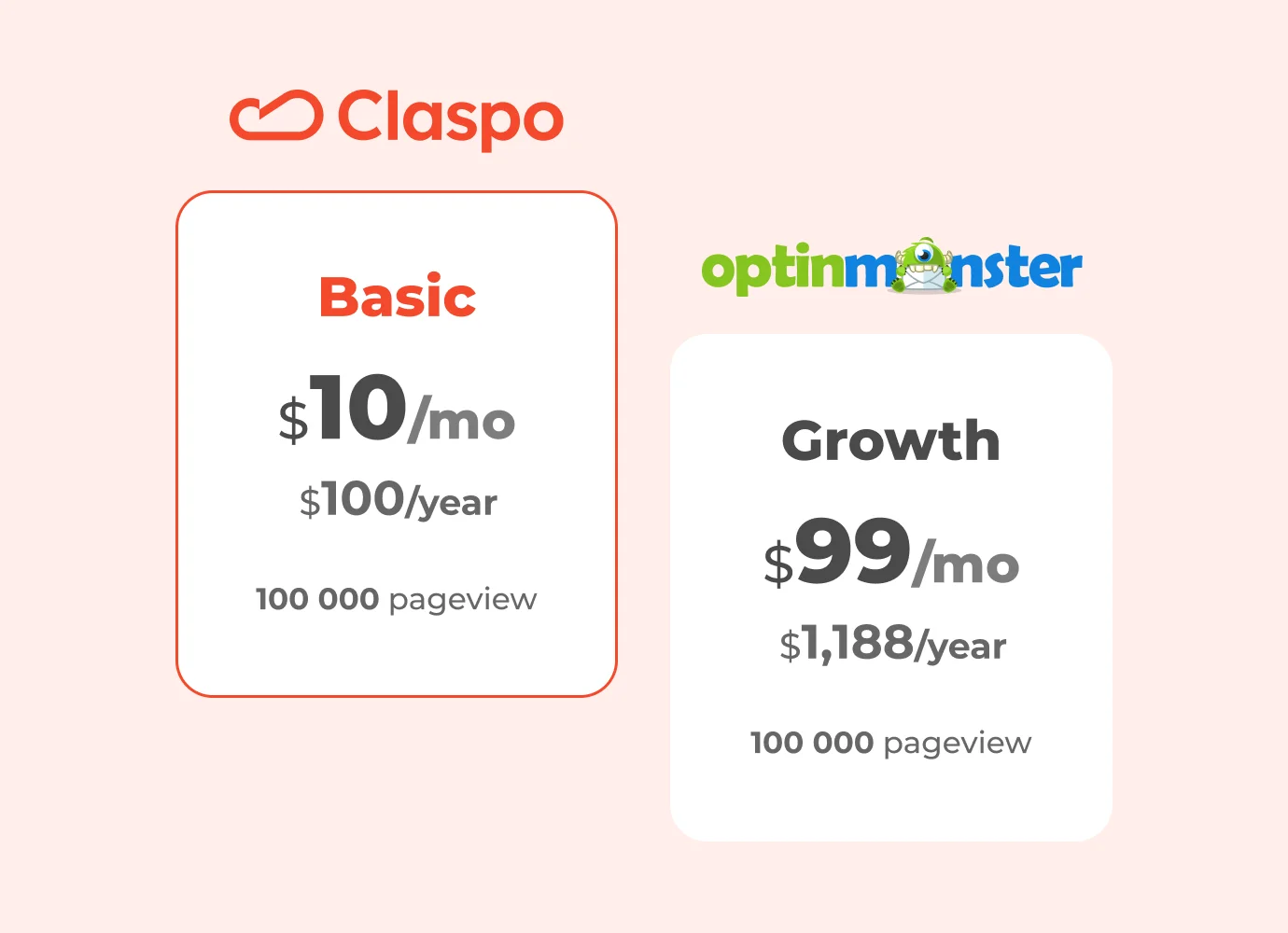
Pay more, get less
Despite the higher price tag, each payment plan comes with fewer pageviews than Claspo. Take the cheapest OptinMonster plan at $84 per year with 2,500 pageviews per month. That's 4 times less than what Claspo offers in its FREE plan with 10,000 pageviews. Yep, you heard that right! Sure, OptinMonster lets you create unlimited widgets, so the more widgets you add, the quicker you'll hit that already tight pageview limit.
Claspo Solution
More bang for your buck
Claspo, as a wallet-friendly OptinMonster alternative, is designed with your results in mind. That is why all our plans come packed with a generous number of pageviews: the more eyes on your widget, the better your shot at conversions. With our Pro 100 plan at just $49 per month ($588 annual), you'll enjoy a whopping 100,000 pageviews. In contrast, OptinMonster offers the same amount as their most expensive plan, which is $1470 per year (without discount)!
Billing & Plan Upgrade Control
OptinMonster Problem
Automatic upgrades that can double your bill
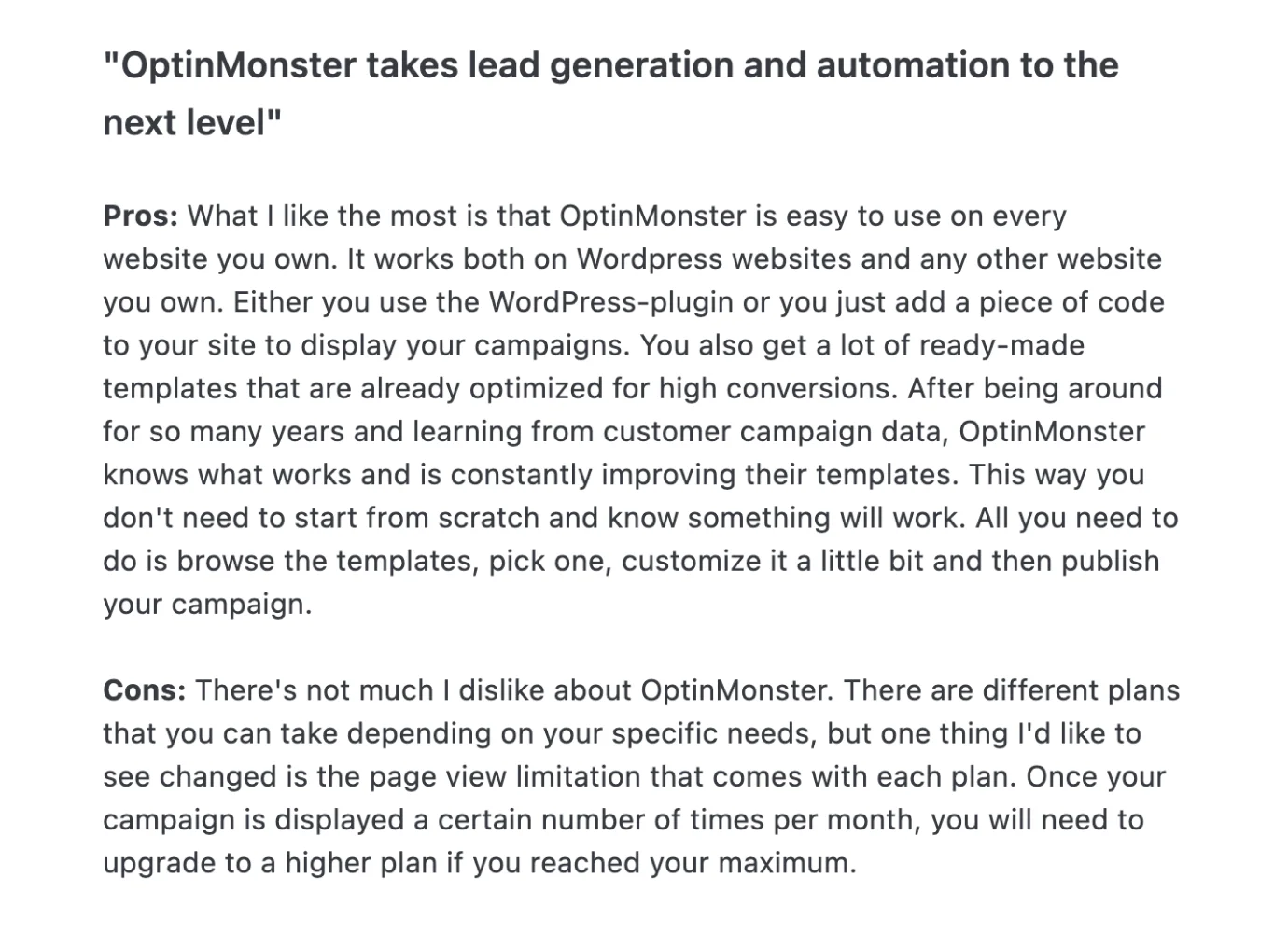
When you hit your pageviews limit, OptinMonster takes the liberty of AUTOMATICALLY bumping you up to the next plan. Given their limited cap, you could blow through it in less than a month, and that surprise upgrade might hit your wallet harder than you'd expect. If you hit 2,500 pageviews on the $84 plan, suddenly, you're upgrading to the Plus plan at $228. That's double the price, ouch, right?
Claspo Solution
Upgrade when you want, how you want
At Claspo, we’ll never upgrade your plan without your permission. When you're close to your limit or run out of pageviews, we’ll send you a heads-up. Then, it’s up to you to wait for the next reset, upgrade on your own, or just buy extra pageviews without changing your plan. No surprises, just flexibility and transparency. That’s why Claspo is the best alternative to OptinMonster because you stay in control.
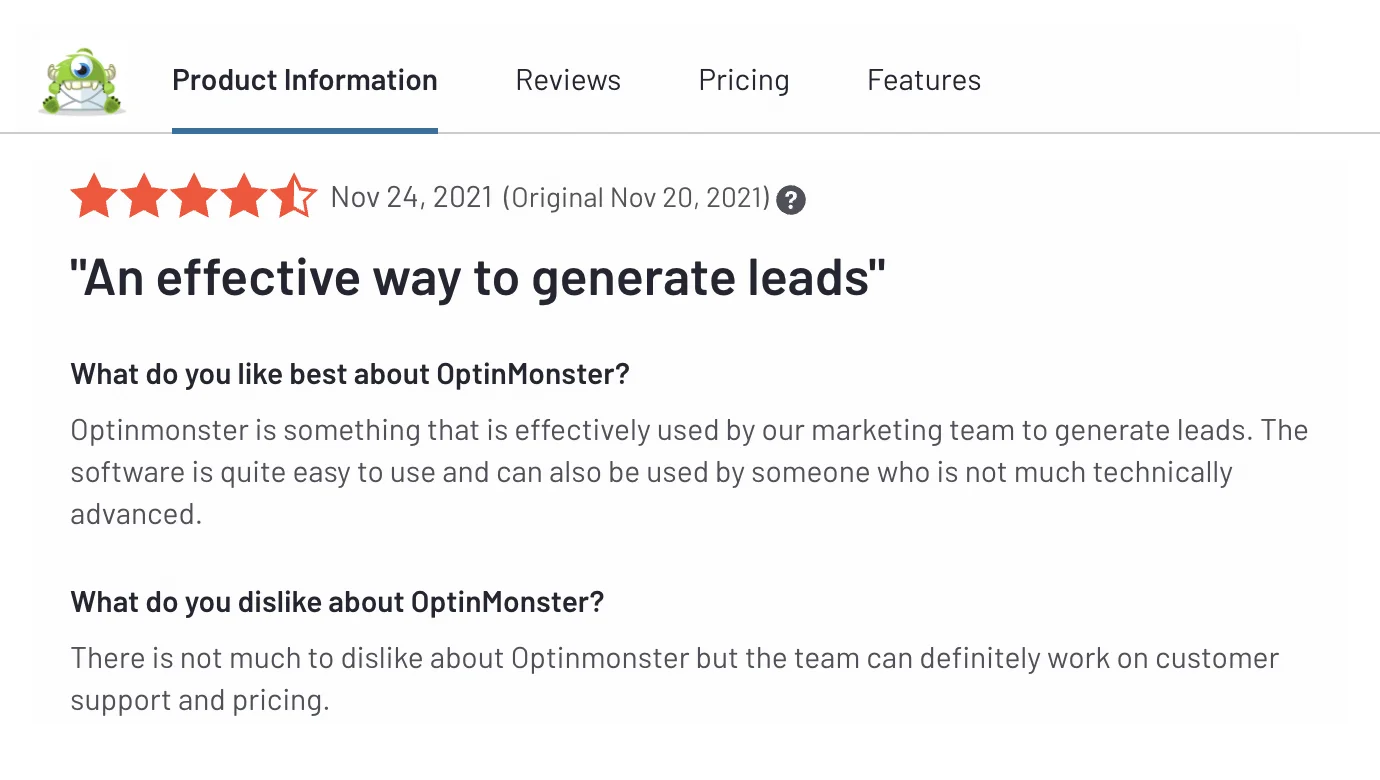
What OptinMonster's users say about that
Widget Builder
OptinMonster Problem
Complicated editor that slows you down
OptinMonster offers 400+ ready-made templates for different needs, which sounds great. But there’s a downside as the editor isn’t beginner-friendly. If you’re not tech-savvy, building and editing widgets can be confusing and time-consuming. This can slow you down and make it harder to reach your goals.
Claspo Solution
Effortless & beginner-friendly widget creation
The Claspo library has 1000+ templates designed for dozens use cases, making finding the perfect solution for any purpose a breeze. Claspo offers 7 different game mechanics (Memory Cards, Spin the Wheel, Treasure Hunt, Shake the Tree, and others), while OptinMonster is limited to just one Coupon Wheel. It's a straightforward OptinMonster alternative designed to empower even beginners and those not tech-savvy to whip up effective widgets in just a few minutes. Say goodbye to learning curves and platform jargon – with Claspo, you can invest your time in creative tasks and optimizing conversions instead!
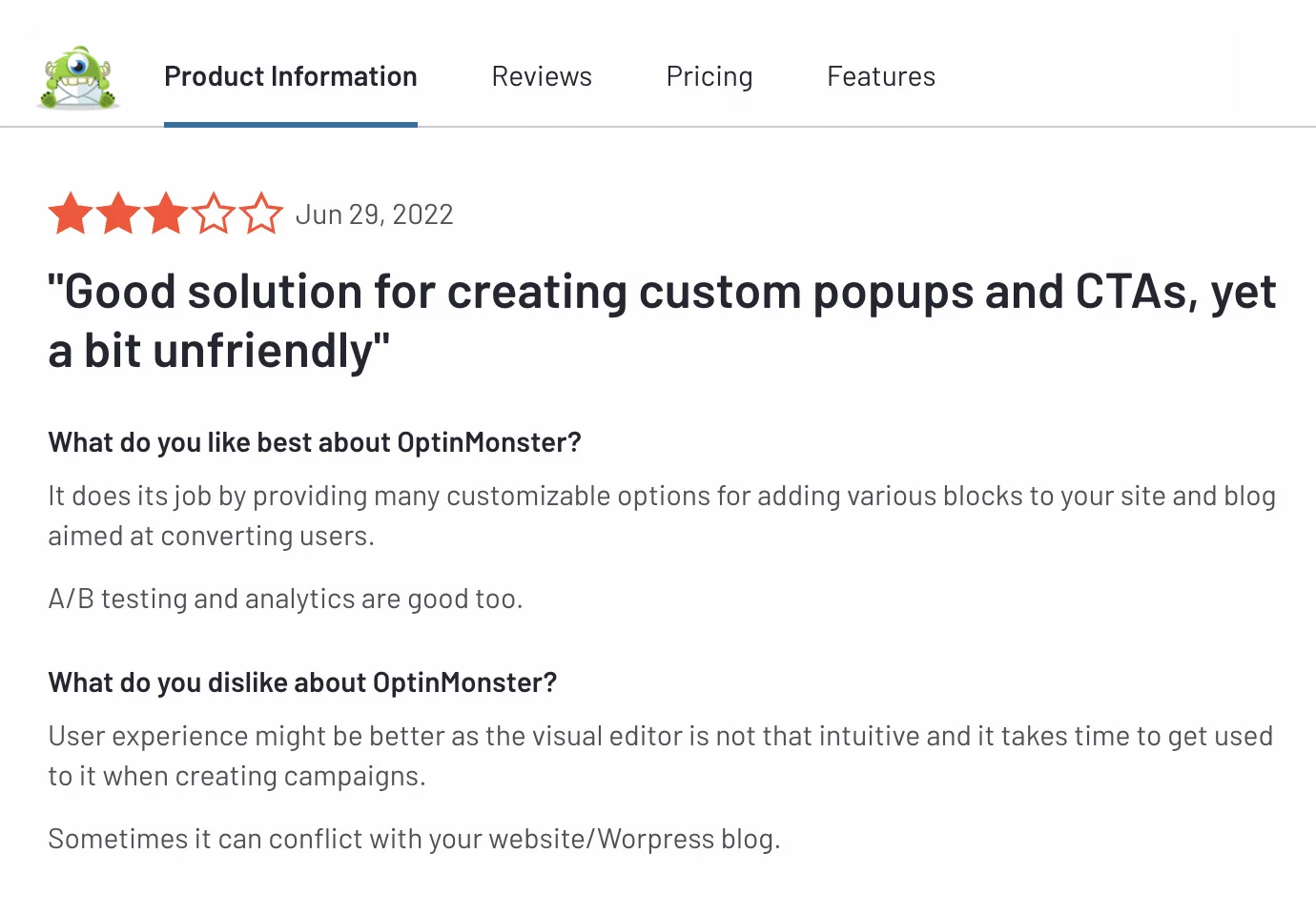
What OptinMonster's users say about that
Display Rules
OptinMonster Problem
Pricey display rules, yet user experience is still at risk!
OptinMonster’s advanced display rules come at a high price. Want exit-intent or device targeting? That’ll cost you $348 per year with the Pro plan. Need geolocation targeting or exclusive widgets for new visitors? The Growth plan jumps to $588 per year. Even then, you still can’t control how often your widget appears, which could hurt the user experience.
Claspo Solution
Advanced display rules without breaking the bank
At Claspo, all advanced display rules like exit-intent, geolocation targeting, new visitors-only, and device targeting are available in the free plan! Our mission is to help you increase website conversions without burning a hole in your pocket. The same goes for display frequency. You can tweak this rule effortlessly, no matter which Claspo plan you choose. Even trying out Claspo as an OptinMonster free alternative can enhance the user experience on your website.
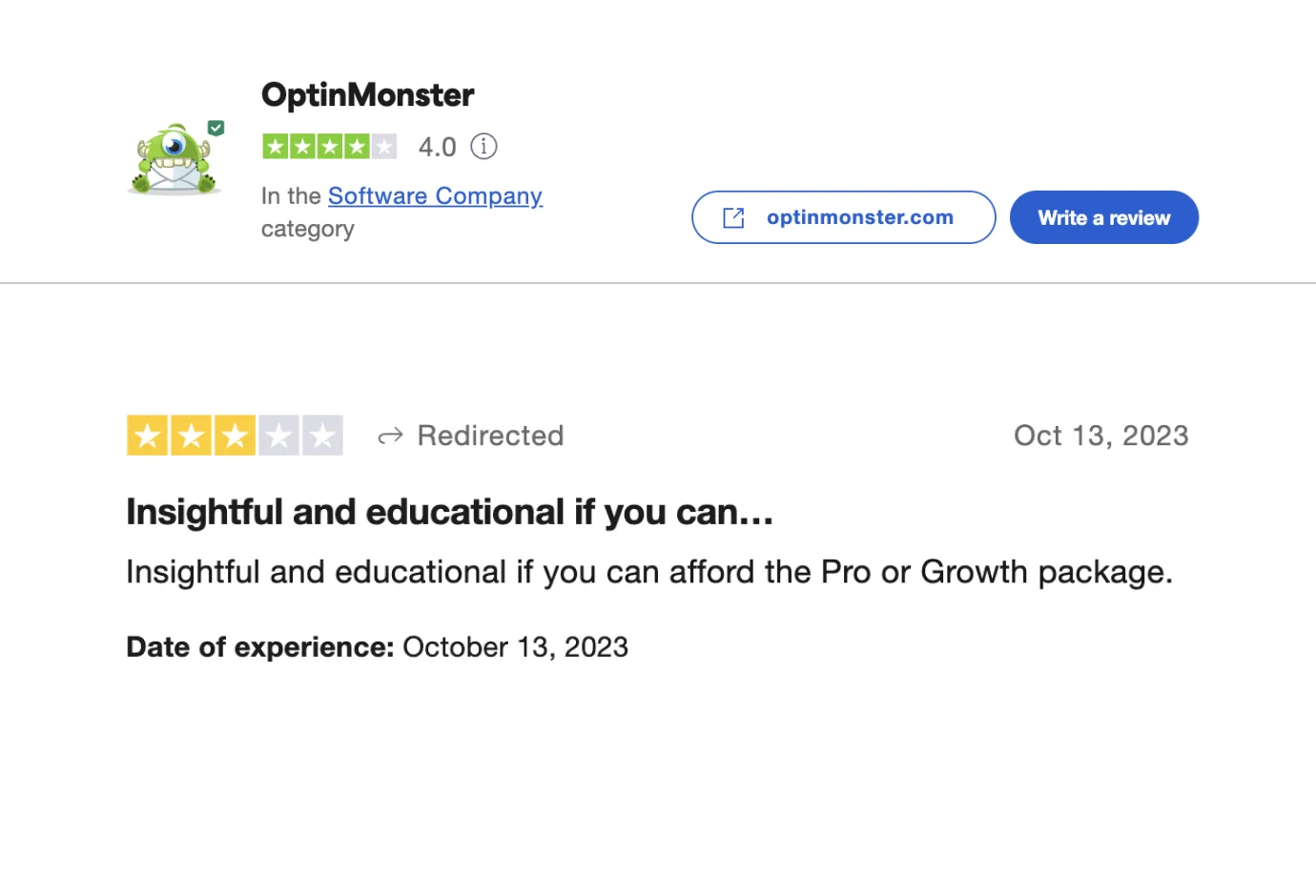
What OptinMonster's users say about that
Anti-Bounce Rate Solutions
OptinMonster Problem
The risk of frustrating users and increased bounce rates
Visitors can easily get overwhelmed and leave your site out of frustration without proper display frequency settings. On top of that, figuring out OptinMonster’s complex targeting rules can feel like navigating a maze. One wrong step, and you could end up with widgets piling on top of each other, driving up bounce rates. Don’t just take our word for it — even OptinMonster’s own site has suffered from this awkward widget overload. Do you really want to follow in those footsteps?
Claspo Solution
Boost conversions and avoid overlaps effortlessly
At Claspo, we focus on improving conversions, not bounce rates. Our smart display rules keep things user-friendly and prevent annoying pop-ups. Worried about widgets showing up all at once? We’ve got a built-in silent interval to space them out. Concerned about overlap? No stress; Claspo automatically manages it, even if multiple widgets share the same trigger. No clutter, no chaos — just smooth performance, unlike OptinMonster.
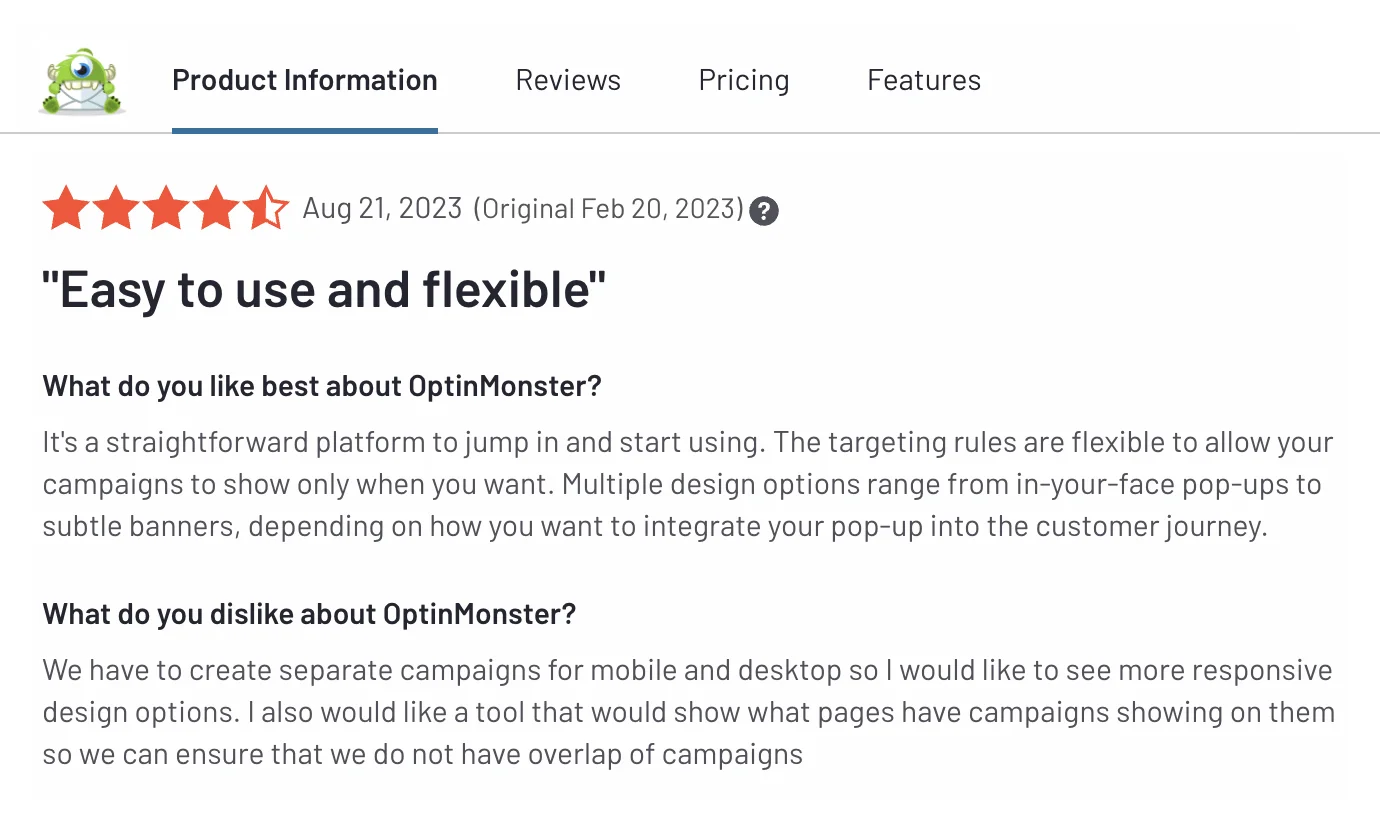
What OptinMonster's users say about that


Widget display rules
Widget builder
Widget targeting
Transitioning from OptinMonster to Claspo is easy – just follow these three simple steps:
Let's Connect!
Engage in a friendly conversation with our customer success manager. During this chat, we'll discuss your goals, current widgets, and website strategy. Together, we'll map out a seamless migration plan tailored specifically to your needs.
Empower Your Outcomes
Our team of marketers, designers, and CRO analysts will carefully evaluate your campaigns and configure your widgets using the Claspo builder. We'll optimize your campaigns to boost conversions and minimize bounce rates.
Reap the Benefits
Voila! Your widgets seamlessly transition to Claspo, ready to deliver top-notch performance. The Claspo team will seamlessly integrate them into your website, ensuring a superior user experience.
A single call can significantly impact the success of your widget campaign. Why wait?


















Optinmonster Alternatives You Should Know About: Top 6 Competitors
OptinMonster empowers you to craft widgets for various purposes and provides multiple display and targeting options. OptinMonster promises the finest toolkit for conversion optimization. But to make a well-informed choice, let's explore some of the top OptinMonster alternatives.
1. OptinMonster vs Claspo

Claspo is a user-friendly and intuitive platform designed for widget building, catering to individuals of varying skill levels. More than just boosting conversions, this OptinMonster alternative prioritizes creating a positive and seamless user experience on websites to avoid bounce rate growth.
Best Features
Intuitive, user-friendly interface
1000+ customizable templates
Dynamic widget language change
Free lifetime plan with access to all features
Preset display rules for an exceptional UX
Automatic widget protection from overlapping
Advanced targeting options in ALL plans
A/B testing in ALL plans
Mobile responsiveness
Real-time analytics
Why Claspo is the best OptinMonster alternative
Pricing. OptinMonster locks you into annual commitments ranging from $210 to $1470, but with Claspo, you can choose between monthly plans at $39 to $299. Every Claspo plan gives you more page views and full access to advanced features — without the high costs. That means you can hit your goals without overspending. It’s the smart, budget-friendly alternative to OptinMonster!
Free plan. Unlike OptinMonster, which lacks a free trial, Claspo gives you a lifetime free plan with full access to all features, unlimited widgets to play around with, and a 3,000 pageviews per month! For context, OptinMonster only gives 2,500 pageviews per month in their Basic plan — which costs $210 per year.
Simplicity. Navigating the OptinMonster editor can be challenging for beginners and those not well-versed in technicalities. Spending considerable time grappling with the platform could cause you to miss crucial details for crafting an effective widget. As a user-friendly OptinMonster alternative, the Claspo editor is designed with everyone in mind, irrespective of experience or technical know-how. It's intuitive, ensuring that creating widgets that boost conversions is a breeze. Even first-time users can whip up something impactful in minutes in the Claspo editor on their first try.
Widget building. Claspo comes in strong with a whopping 1000+ templates catering to 36 different use cases, while OptinMonster lags behind with only 400+ templates for 6 use cases. With Claspo, your chances of discovering a ready-made solution are sky-high, and you can effortlessly tweak it in the user-friendly editor. Claspo also has pre-configured display rules and automatic protection against widget overlap – two game-changing features you won't find with OptinMonster. It's not just about saving time; it's about crafting a positive user experience on your site.
Gamification. Claspo offers 7 different game mechanics, while OptinMonster is limited to just one Coupon Wheel.
2. Poptin vs OptinMonster

Poptin is a builder that empowers you to craft pop-ups and website forms without coding skills. This OptinMonster alternative promises high conversion rates for a reasonable price.
Best Features
Drag-and-drop editor
Template library
Triggers and targeting
A/B testing features
Easy integrations
Analytics dashboard
Mobile responsiveness
Why pick Poptin as an OptinMonster alternative
Pricing. Poptin, unlike OptinMonster, allows you to choose between monthly and annual plans, but their prices are higher, ranging from $25 to $119 per month or $240 to $1,140 per year. What's more, Poptin counts site visitors, not pageviews like OptinMonster. This might be less profitable, considering only those visitors who meet the display rules get to see your widget. Meanwhile, OptinMonster has strict pageview limits in each plan. So, despite the differences, both platforms can end up costing you a pretty penny.
Free plan. Poptin opens its doors with a free plan, making it a good OptinMonster alternative for those who prefer the try-before-you-buy approach. While this free plan lets you create unlimited widgets, it comes with a catch – you're limited to just 1,000 site visitors and restricted functionality. So diving into Poptin's free plan may not offer the in-depth experience you need for significant results.
Simplicity. Users of both OptinMonster and Poptin often share concerns about the less-than-intuitive editor, making widget creation and customization tricky. However, the silver lining is found with this OptinMonster alternative, as it boasts more robust customer support. The Poptin team responds promptly and excels at helping you navigate the intricacies, ensuring a smoother understanding of the details compared to OptinMonster.
Widget building. If you're all about having a diverse range of ready-made templates, Poptin may not be your ideal OptinMonster alternative. With just 45+ templates (many outdated), you may have trouble finding suitable options. But Poptin takes the lead over OptinMonster when it comes to display rules. Unlike OptinMonster, Poptin offers geotargeting and new visitor targeting on any plan without additional costs.
3. OptinMonster vs Sumo (BDOW!)
BDOW! allows you to create website forms to collect email addresses. It provides integration options for diverse email service providers, visitor targeting features, and analytics to keep you well-informed.
In 2024, this OptinMonster alternative underwent a rebranding, changing from Sumo to its new identity. However, there is not much of a difference in functionality, so if you were familiar with Sumo before, it is still the same.
Best Features
High-Converting Pop-Ups and Forms
Advanced Targeting Tools
A/B Testing
Why consider BDOW! as an OptinMonster alternative
Pricing. BDOW!'s pricing structure lacks flexibility, offering only one plan at $49 per month or $468 per year. Here's the catch: this OptinMonster alternative counts site visitors, not pageviews. So, even if a visitor hits your site but doesn't see your widget, you're still on the hook for the cost. It's a less profitable offer compared to OptinMonster's approach.
Free plan. While BDOW!, like many OptinMonster alternatives, offers a free plan, it does come with its fair share of limitations. Advanced targeting, A/B testing capabilities, and integration with many email service providers are notably absent. This makes it challenging for free users to fully evaluate the platform's benefits before considering upgrading to a paid plan.
Simplicity. Both OptinMonster and BDOW can feel complex for beginners, demanding a considerable investment of time to grasp all the details. However, since BDOW! offers fewer features and functionalities than OptinMonster, it is a bit easier to understand.
Widget building. BDOW! falls short of being the optimal OptinMonster alternative in terms of template variety. With just 50+ templates, the majority geared towards collecting emails, it limits your creative options. This limitation can hinder your ability to craft a comprehensive and effective widget strategy for your website.
4. Getsitecontrol vs OptinMonster

Getsitecontrol is an email marketing platform with a flexible pop-up builder designed to help e-commerce brands attract repeat customers. Its pop-up functionality is more of an afterthought compared to its email focus.
Best Features
Easy widget builder
Email automation
Contact list management
Big template library
Why pick Getsitecontrol as your OptinMonster alternative
Pricing. Getsitecontrol comes with monthly plans priced between $9 and $29. Even if you were to break down OptinMonster's annual prices into months, Getsitecontrol still emerges as the more budget-friendly OptinMonster alternative. Both platforms aim to keep you spending, and to achieve that, they introduce limitations to each plan. Take their cheapest plans, for instance: they lack A/B testing and countdown timers and impose significant restrictions on the number of integrations.
Free plan. Neither Getsitecontrol nor OptinMonster provides free plans. If you're keen on exploring functionality and gauging effectiveness before opening your wallet, you’ll find other OptinMonster alternatives on this list that are more accommodating.
Simplicity. Getsitecontrol, as an OptinMonster alternative, makes it easier for users with less experience or tech skills to whip up widgets quickly. Yet, if you're accustomed to the convenience of a drag-and-drop editor, transitioning to Getsitecontrol might take more time, as this specific feature is not currently part of its offering.
Widget building. Getsitecontrol has 270 ready-made templates, falling short of OptinMonster’s extensive library of 400+ ready-made templates. When it comes to customization options and targeting features, this OptinMonster alternative has its limits. While OptinMonster offers a broader range of functionality, navigating it can be more complex. Also, to unlock the features necessary for crafting effective widgets, you might find yourself leaning towards OptinMonster's pricier plans. Overall, it’s better to use this OptinMonster alternative as an email platform, not a pop-up builder.
5. Popupsmart vs OptinMonster

Popupsmart is a builder that assists users in creating pop-ups for different purposes, such as collecting email addresses, increasing sales, and engaging with website visitors.
Best Features
Easy-to-use interface
Personalization and segmentation
Smart tags
Analytics
Why you should consider Popupsmart as your OptinMonster alternative
Pricing. Unlike OptinMonster, Popupsmart provides both monthly and yearly plans. However, their pricing plans range from $390 to $1590 annually. If you're seeking a budget-friendly OptinMonster alternative, Popupsmart might not be your most economical choice.
Free plan. This OptinMonster alternative Popupsmart provides a free plan with 5,000 pageviews. Even though some users might hit this limit within a week, it's still a more appealing offer than Optimonk, which charges $192 for just 2,500 pageviews.
Simplicity. Popupsmart involves an intricate migration process, and setting up widgets might require the assistance of an account specialist. However, once you navigate through these initial steps, you'll discover that the interface and widget creation process in this OptinMonster alternative are more user-friendly compared to OptinMonster. So, when weighing your options between these platforms, consider where you'd prefer to encounter challenges — at the beginning or throughout your ongoing work with the builder.
Widget building. While Popupsmart provides 250 ready-made templates, it falls short compared to OptinMonster's gallery of 400+. Although OptinMonster requires a notable investment for advanced display rules, it has a variety of options. Meanwhile, the display options in Popupsmart are more limited. Moreover, Popupsmart does not include A/B testing in its toolkit, placing it behind other OptinMonster alternatives.
6. OptiMonk vs OptinMonster
Optimonk is a widget builder with a user-friendly drag-and-drop editor that eliminates the need for coding skills. This OptinMonster alternative allows users to customize widgets and perform A/B tests to achieve optimal results.
Best Features
Big pop-up variety
Advanced targeting and personalization
Easy integrations
Real-time analytics and reports
AI-powered CRO (for $249/month)
Why you should choose Popupsmart as your OptinMonster alternative
Pricing. While this OptinMonster alternative offers monthly plans ranging from $39 to $249, they are more expensive than the monthly equivalents of OptinMonster's annual prices. But! OptiMonk gives you access to all features, regardless of your chosen plan. On the flip side, OptinMonster requires you to opt for the pricier plans to unlock advanced features crucial for conversions. It's a tough choice between pricing and functionality.
Free plan. This OptinMonster alternative welcomes you with a free plan with 15,000 pageviews per month. While it is not the most lavish offer, it's worth noting that with OptiMonk's free plan, you get more than you would receive with an OptinMonster paid subscription. To secure 10,000 pageviews with OptinMonster, you must invest $384 per year.
Simplicity. If you are searching for a straightforward and user-friendly OptinMonster alternative, OptiMonk might not be the ideal pick. It demands some training time and technical know-how, making it challenging for beginners. However, users often commend OptiMonk's customer support for helping them navigate through the details more efficiently. In comparison, OptinMonster users might experience longer response times. While not a crystal-clear advantage for OptiMonk, it's an aspect to consider.
Widget building. OptiMonk and OptinMonster have similar numbers of ready-made templates—320 vs. 400. However, customizing these templates may be time-consuming due to the intricacies of their complex editors. In terms of functionality, each platform has its quirks. OptiMonk's geotargeting is limited to the country level, and tracking widget stats by device is not an option. On the other hand, OptinMonster lacks the ability to choose the widget display frequency and doesn't provide solutions to protect the user experience. Neither platform allows you to modify the widget layout during editing, and pre-configured display rules are not in their feature lineups.