Create urgency to drive sales
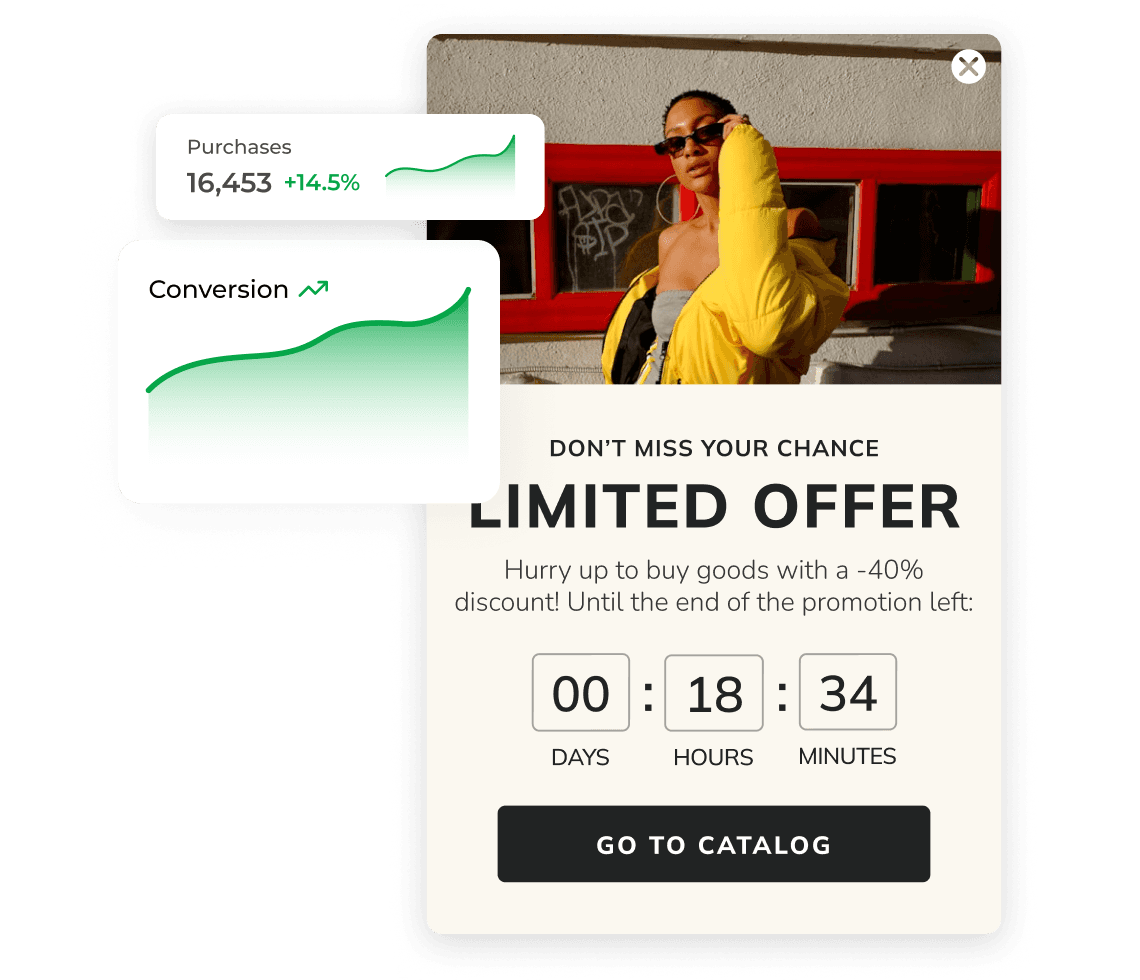
Use countdown timer widgets to generate excitement, optimize user experience, improve conversion rates, and stimulate quick sales by creating a sense of urgency.
8.1%
avg. CTR
countdown timer popups in e-commerce
8.1%
avg. CTR
countdown timer popups in e-commerce
9%
avg. CTR
promo code + timer highest-performing setup
9%
avg. CTR
promo code + timer highest-performing setup
+4%
higher CTR
vs text-based urgency (7.7% avg.)
+4%
higher CTR
vs text-based urgency (7.7% avg.)
+3%
higher CTR
vs promo code + exit-intent (7.9% avg.)
+3%
higher CTR
vs promo code + exit-intent (7.9% avg.)
8.1%
avg. CTR
countdown timer popups in e-commerce
+4%
higher CTR
vs text-based urgency (7.7% avg.)
9%
avg. CTR
promo code + timer highest-performing setup
+3%
higher CTR
vs promo code + exit-intent (7.9% avg.)
Push people to act sooner
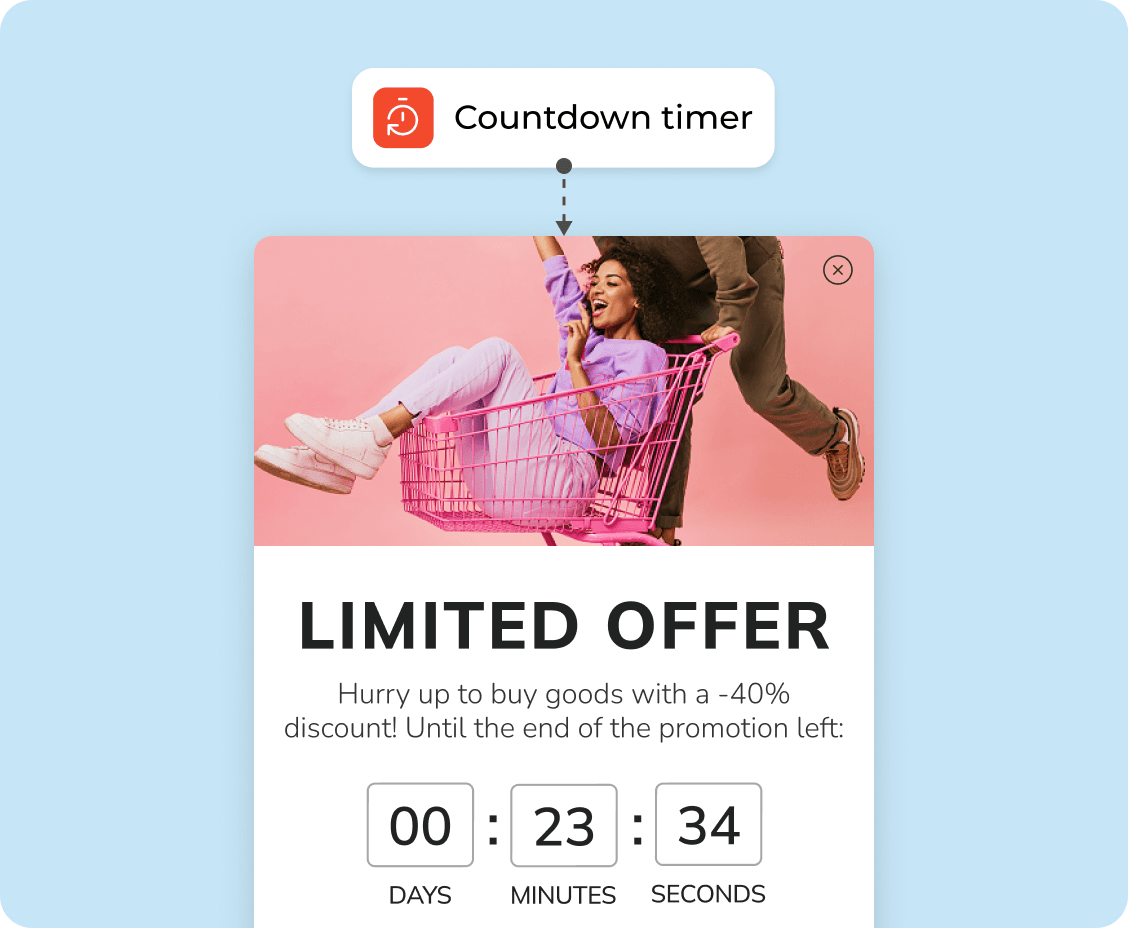
When there’s a visible time limit, people don’t wait as long. A simple countdown can be enough to move someone from “maybe later” to making a purchase now.
Make decisions easier
Some visitors hesitate because there’s no reason to decide now. A limited-time offer gives that reason. It helps people choose faster instead of going back and forth.
Сonvert more during sales and promos
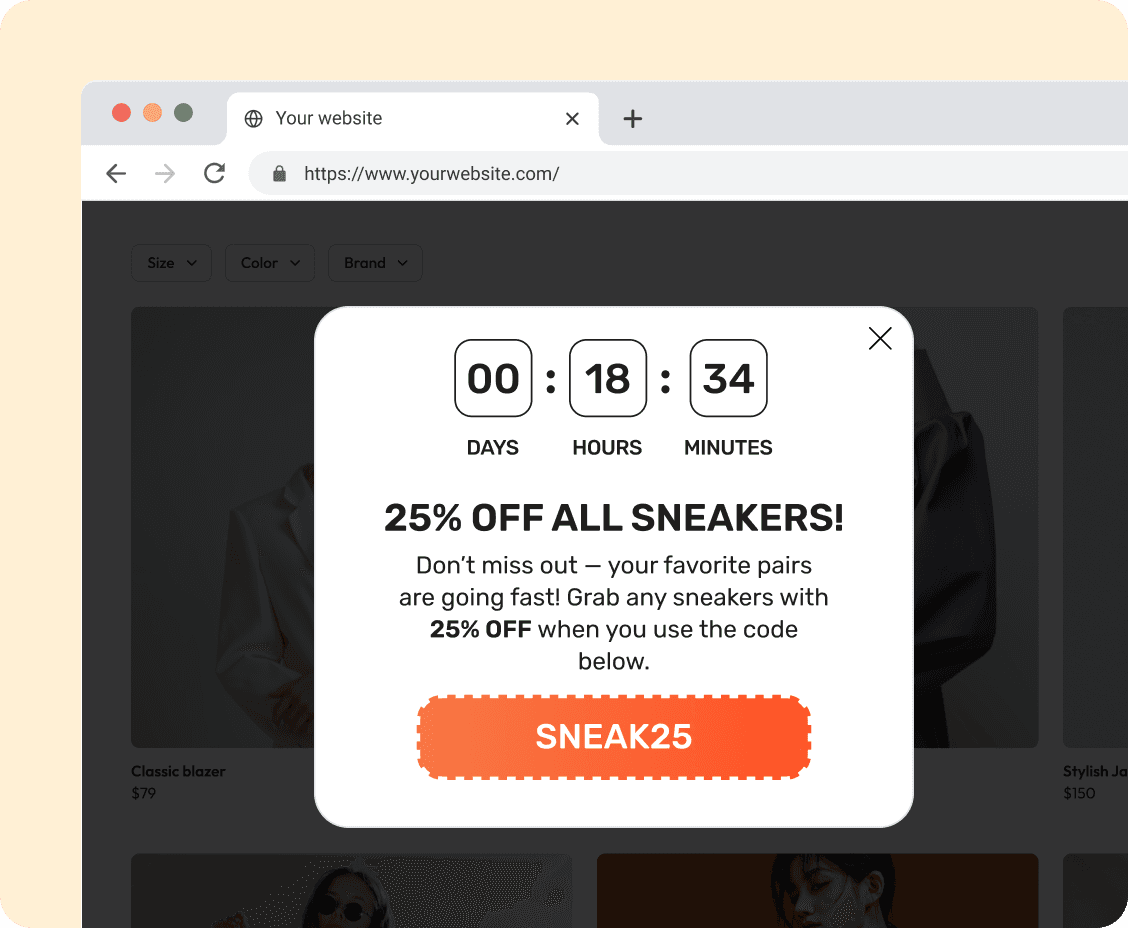
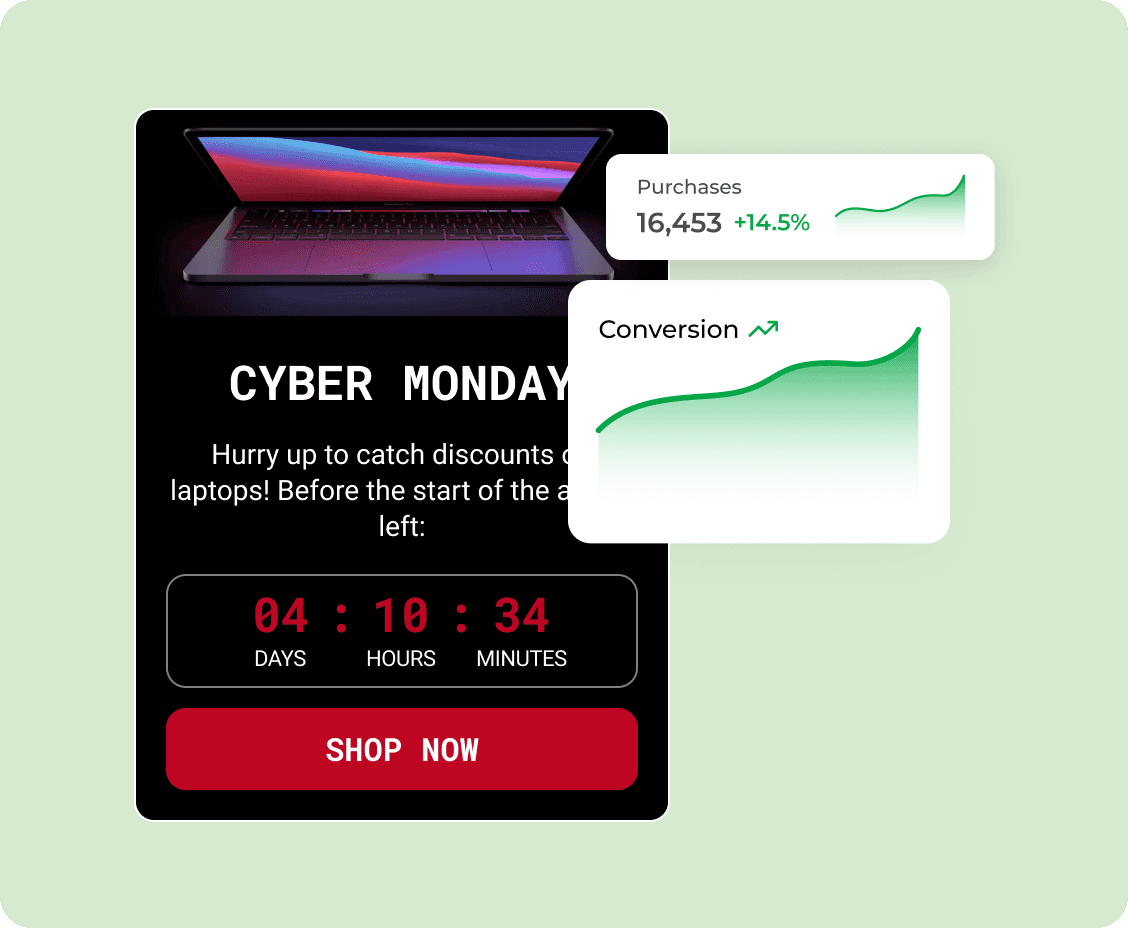
Countdowns fit naturally into sales, product launches, or short campaigns. When there’s already a deal, showing how long it lasts can help bring more purchases in.
Key features
Key features
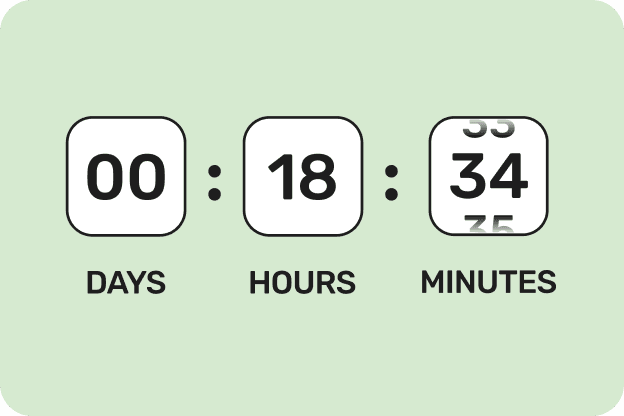
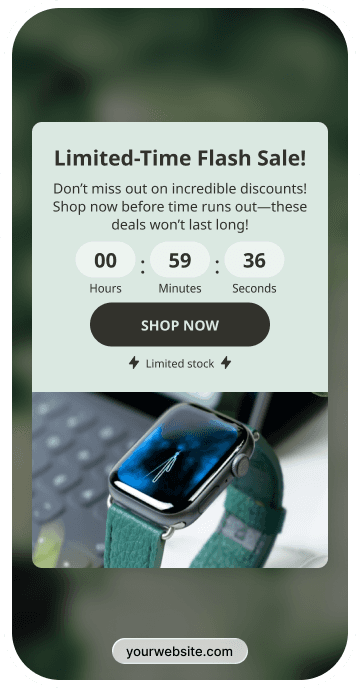
Countdown timer
Game component
The timer should be easy to notice. People need to understand at a glance how much time is left, without looking for it.
Use game-like popups people instantly recognize — spin the wheel, scratch cards, memory matching, treasure hunts, slot machines, pick-a-gift, or seasonal ones.
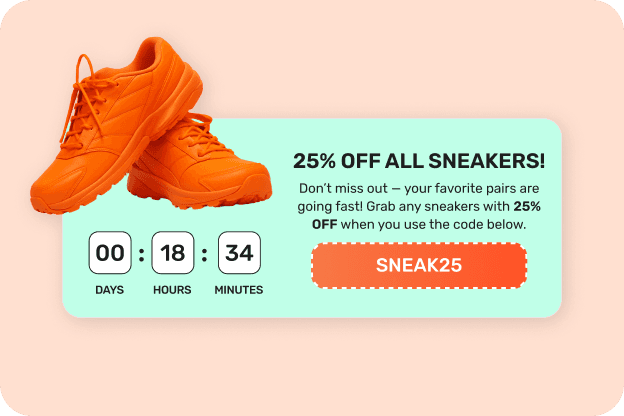
Clear offer
Incentive offer
The message should say what the deal is in a few words. If people have to read too much, they’ll just ignore it.
Offer clear rewards — discounts, free shipping, or exclusive perks — in exchange for email. Well-structured incentives motivate signups while allowing you to control margins.
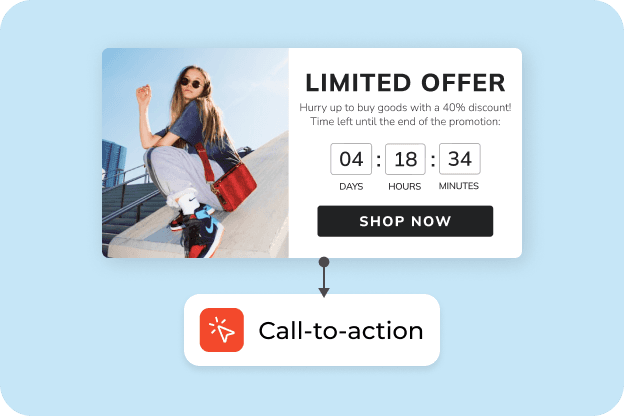
Button that tells what to do
Conversion-focused flow
Use a clear action like “Shop now” or “Get the deal.” People shouldn’t have to guess the next step.
Guide users from interaction to signup with a simple flow: game, email capture, strong call-to-action, and optional countdown timers to create urgency.
Countdown timer
The timer should be easy to notice. People need to understand at a glance how much time is left, without looking for it.
Clear offer
The message should say what the deal is in a few words. If people have to read too much, they’ll just ignore it.
Button that tells what to do
Use a clear action like “Shop now” or “Get the deal.” People shouldn’t have to guess the next step.
When to use for better results
When to use for better results

On the first visit
Convert first-time visitors
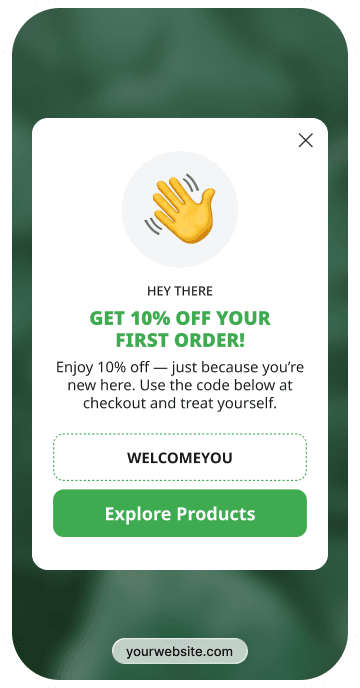
Show a time-limited offer when someone first lands on the site. A short deadline can push some visitors to act right away instead of leaving it for later.
Turn first visits into signups or first purchases by offering an engaging reward upfront. This helps you capture attention early and build your list before users leave without taking action.

Exit intent
Recover exiting visitors
If someone is leaving, a countdown can still catch their eye. Seeing that the deal won’t last may get a few of them to finish the purchase before closing the page.
Stop visitors right before they leave with a timely offer or discount. Exit-intent gamified popups give users a reason to stay, helping you capture leads and recover lost conversions.

Recover cart
Drive seasonal campaigns
Countdowns work well near the cart or during sales. When there’s already a deal, showing how long it lasts can help people come back and complete the order.
Highlight limited-time offers during peak periods with interactive experiences that stand out. Gamified popups help increase engagement and drive more immediate sales during high-traffic campaigns.
On the first visit
Show a time-limited offer when someone first lands on the site. A short deadline can push some visitors to act right away instead of leaving it for later.
Exit intent
If someone is leaving, a countdown can still catch their eye. Seeing that the deal won’t last may get a few of them to finish the purchase before closing the page.
Recover cart
Countdowns work well near the cart or during sales. When there’s already a deal, showing how long it lasts can help people come back and complete the order.
Connects with any of your tools
Connects with any of your tools


and more than 20+ tools to integrate
Get inspired by CRO-ready templates
Get inspired by CRO-ready templates
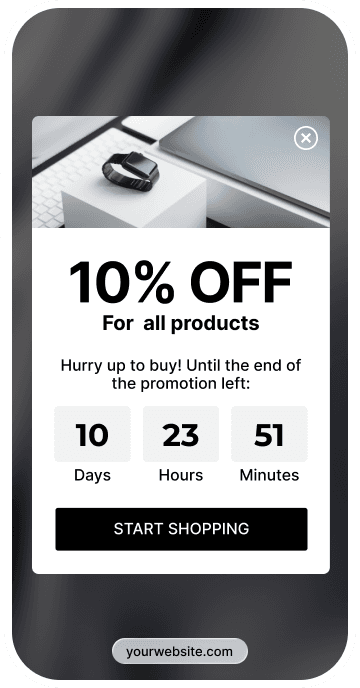
How to create
How to create
Convert more with proven CRO tactics
Convert more with proven CRO tactics
Convert more with proven CRO tactics
See how much revenue your current popups are leaving on the table. Get started in minutes and see results right after.
See how much revenue your current popups are leaving on the table. Get started in minutes and see results right after.
Frequently asked questions about countdown timer popups
Frequently asked questions about countdown timer popups
A countdown timer widget is a tool used to create a visual sense of urgency and scarcity and drive immediate sales. Unlike a regular, “evergreen” promotion (which customers often ignore because they assume it will always be there), a countdown timer signals that a deal is fleeting. This forces visitors to make a decision now rather than delaying their purchase. This way, by adding a countdown timer widget to your website, you solve issues like cart abandonment and low conversion rates on first visits.
Absolutely. You can add the Claspo countdown timer widget to practically any website platform. For this, Claspo has integrations with the most popular CMSs (Wix, WordPress, Shopify, WooCommerce, and Magento). If your platform allows you to add custom JavaScript code or use Google Tag Manager (GTM), the installation is as easy as ABC.
Basically, it’s the same countdown timer widget but with different timer modes:
Fixed Timer. With this mode, timers count down to a certain date (e.g., Black Friday, Christmas, Easter) and always show the same remaining time to each user visiting the website. Fixed timers are good for global events with an absolute deadline.
Evergreen (or Relative) timer. To create an evergreen timer, you need to personalize it. This way, each new visitor gets an individually calculated countdown the first time they see the widget (e.g., “You have 15 minutes”). This approach is good for personal offers and cart recovery.
With Claspo, you can create either of these countdown timers and add them to any of your limited-time offer campaigns.
Yes, all Claspo widgets are responsive and optimized for all devices. Our countdown timer widgets adapt to mobile screens automatically. What is more, you have full control over the mobile design and can edit and preview it in Mobile view in our editor. If you need to optimize the mobile experience even more, you can hide some elements (like large images or extra text) specifically for phone users.