7 Best E-Commerce CMS Solutions You Can Use


Summarize

Chat GPT

Perplexity

Gemini

Claude
Using a CMS for e-commerce, you can create an online store on your own, with minimal involvement of professional web developers and designers. A content management system (CMS) is software that simplifies website administration and reduces the time spent on writing code, allowing you to do it without visual designers. CMS helps to optimize the project budget and create ideal conditions for a quick start.
We will tell you about the important criteria for choosing a content management system for an online store and the top solutions.
How to Choose E-Commerce CMS
It's worth starting with the subscription cost to narrow your search. The most budget-friendly option is free e-commerce CMS. In terms of basic functionality, they are equal to their paid competitors but offer a limited number of additional modules and add-ons. Their main disadvantage is the difficulty of scaling. Free content management systems are suitable for small online stores without special requirements. If the business quickly develops, you must consider migrating to another platform.
Therefore, many startups use paid CMS for e-commerce from the very beginning. You can connect more add-ons and external services to them. They are easier to integrate into corporate accounting and inventory management systems. But before subscribing, you should carefully study the payment plans. The fee may depend on the number of visitors and transactions, assortment, website structure, and other parameters.
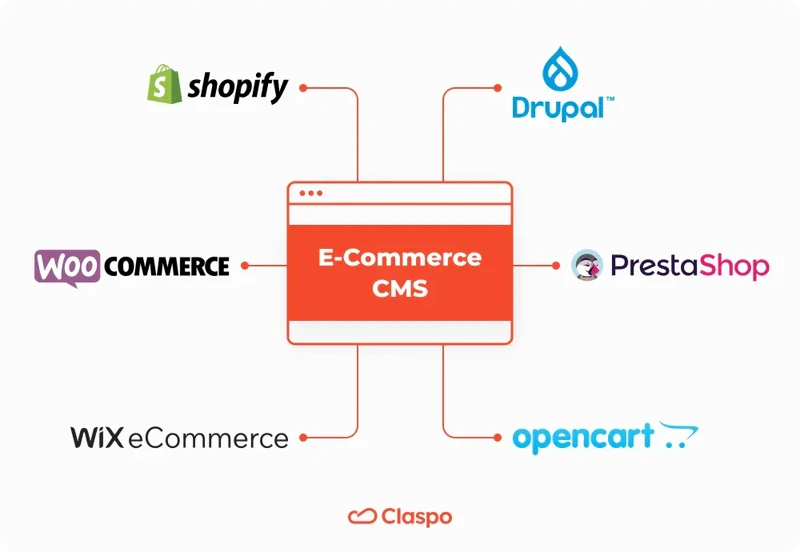
When choosing among CMS-system solutions, you should also pay attention to such characteristics as:
Level of complexity. Many modern content management systems do not require programming and design skills; you just need to drag visual elements on the screen and write text. However, some simply structure the content, and most of the work has to be done manually.
List of features. At a minimum, you will need an administration panel, media library, and publishing tools. SEO optimization tools, an analytics service, and a backup function are optional.
Integration of external services. Additional applications can be connected via special "adapters," but it is always more convenient to use ready-made solutions.
Security level. One of the most important criteria is the absence of vulnerabilities that hackers could exploit.
Performance. CMS and its add-ons should not limit page loading speed - this will not only worsen the UX but also reduce the site's visibility in search engines.
7 Best CMS for E-Commerce
Our rating includes popular content management systems with a wide range of functions, high security, and excellent performance, which are assessed through Software Composition Analysis (SCA) for code vulnerabilities. Another selection criterion is high-quality technical support for users. We will share the top CMS solutions - their key features, advantages, and disadvantages.
1. Shopify
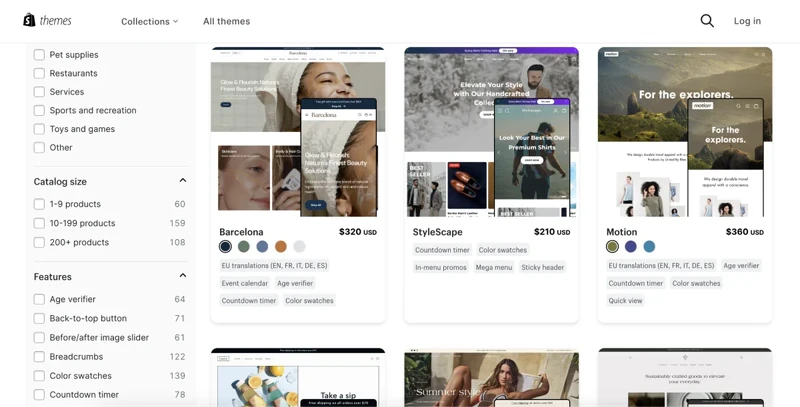
Shopify is designed specifically for the e-commerce segment. It offers everything you need for an online store, including ready-to-use modules for connecting payment gateways and delivery APIs. The Claspo widget creation platform integrates seamlessly into it. With various ready-made templates and a user-friendly visual editor, you can quickly create cool site widgets for any marketing purpose without programming or design skills. Since e-commerce websites with widgets show 70% more sales, using Claspo can improve your business performance even at the initial stage.
Advantages | Disadvantages |
Huge library of plugins and add-ons | Fee for any payments through third-party providers |
Ready-to-use online store templates | Free access only to the simplest themes and templates; the rest will have to be purchased |
A thriving community of experts ready to help you grow your business | Lack of many features in the basic payment plan, including analytics |
Built-in analytics service that is almost as good as Google Analytics |
|
Hosting and domain registration services |
|
Cost: $32 to $399 per month.
2. WooCommerce
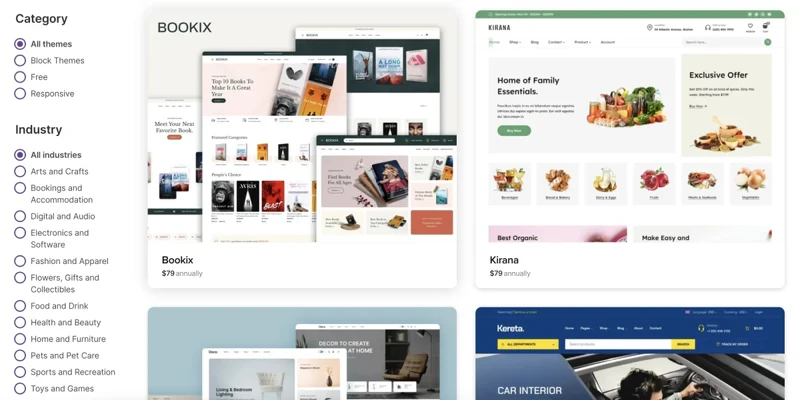
WooCommerce is a free CMS solution that is an add-on to the mega-popular WordPress. It can be combined with other plugins for this content management system, personalizing the list of features and customizing the platform for your needs. Of course, you'll have to immerse yourself in the technical details — to use WooCommerce, you must have at least basic knowledge of HTML and CSS.
Advantages | Disadvantages |
Simple and user-friendly interface of the administrator panel | Lack of hosting and domain registration services |
Support for PayPal, Stripe and Amazon Pay payment systems | Paid add-ons and themes |
Easy scaling | Limited technical support compared to paid software |
Ability to customize the smallest details |
|
Built-in analytics tools with ready-made report templates |
|
3. Wix eCommerce
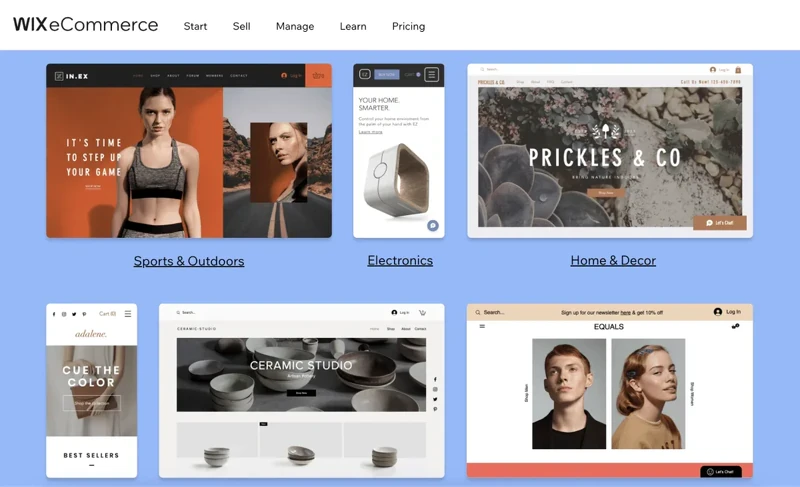
Wix eCommerce is one of the simplest content management systems. It is based on a visual editor that works on the drag-and-drop principle. You just need to drag and drop elements from the library onto the screen, add text fields, and connect your own multimedia. Like Wix, Claspo offers a simple drag-and-drop editor that makes designing widgets from scratch and customizing ready-made templates a breeze, even for beginners.
Advantages | Disadvantages |
Templates adapted for mobile gadgets | Limited list of customizable elements in templates |
Huge store of apps, widgets, and add-ons | Difficult scaling of online stores due to the complexity of changing the theme |
Built-in SEO optimization tools | Limited content download speed in basic payment plans |
Cost of promotional domains included in the payment plan (in a limited number of zones) |
|
Extended customer support with prioritized connection in top subscription |
|
Cost: $17 to $35 per month.
4. Cartum.io
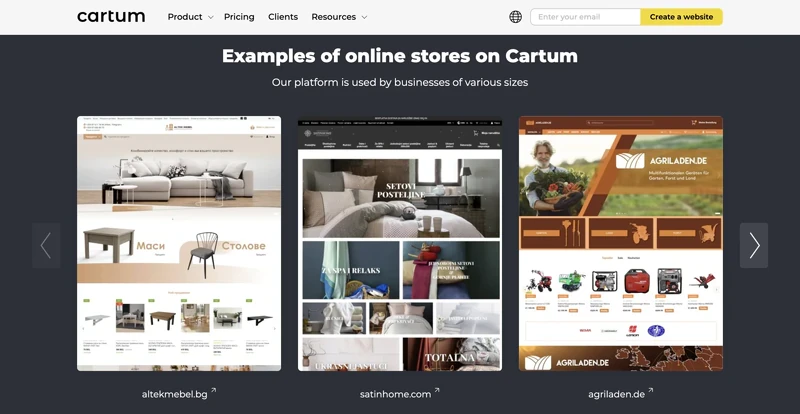
Cartum is an all-in-one ecommerce platform offering everything you need to launch and seamlessly manage an online store. With Cartum, you can launch, manage, and grow your ecommerce business without the complexity of juggling multiple tools, all from one platform designed for efficiency, flexibility, and scalability.
Whether you're selling a few items or thousands, Cartum provides the tools and features to support your ecommerce journey from day one, including customizable category and product pages, an easy-to-manage homepage, and flexible discount and sales options. The platform ensures a seamless shopping experience with a secure checkout, user profiles, and an intuitive search function.
With built-in SEO tools, real-time analytics, and automated email campaigns, Cartum helps increase visibility and engagement. It also offers store management and order processing, along with integrations for payment gateways and third-party apps.
Advantages
Up and running in five days
Diverse templates tailored to any business
Integration with payment gateways like Stripe and PayPal
Multi-language interface
Built-in SEO tools, including automated sitemaps and microdata generation
24/7 website monitoring
Disadvantages
Automation features might require time and additional resources.
Pricing
From $15 to $119 per month.
5. OpenCart
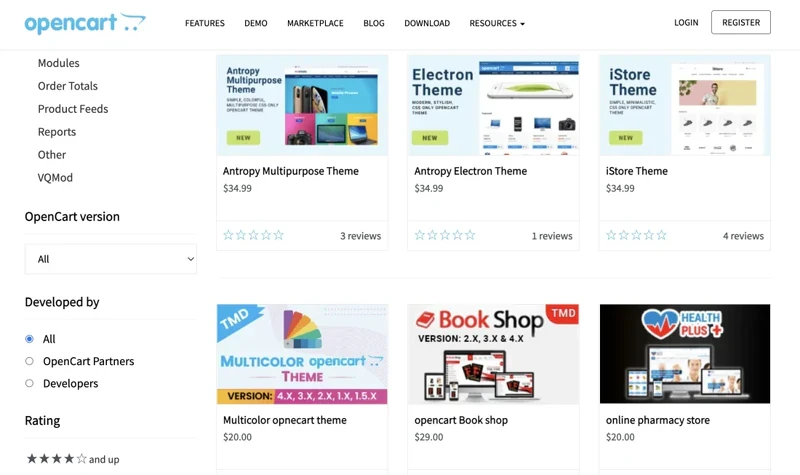
OpenCart is one of the best CMS solutions in the free software segment. Although the platform requires some knowledge of HTML, it is very user-friendly due to its high degree of automation. It simplifies routine tasks like filling out product specifications and adding descriptions. OpenCart's built-in store has many free add-ons, allowing you to maintain the basic functions of an online store with minimal effort.
Advantages | Disadvantages |
Availability of a paid cloud store service that launches in 5 minutes | Limited list of basic functions |
Support for multiple languages, currencies, and payment methods | Full-fledged technical support is available only in the paid version |
User-friendly admin panel with basic analytics for the business | The most popular and useful apps in the store are paid apps |
Support for affiliate programs, coupons, discounts and other marketing tools |
|
Availability of backup function |
|
Cost of the paid version: from $59 to $199 per month
6. PrestaShop
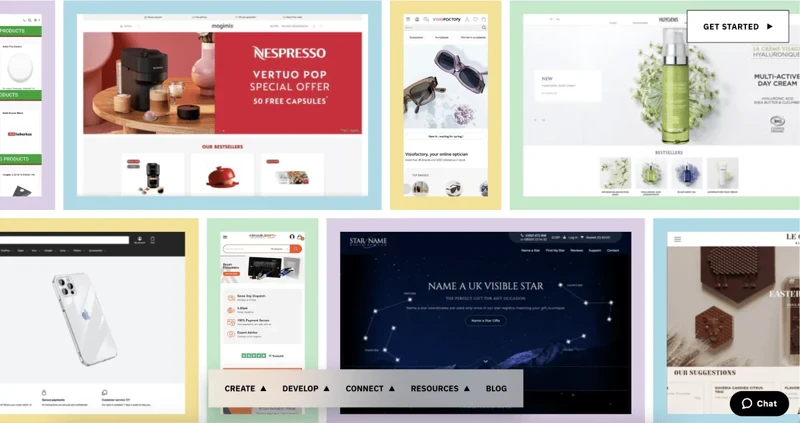
PrestaShop is a simple and lightweight yet surprisingly flexible content management system. Like Wix, it offers a visual editor and many ready-made templates. But with PrestaShop, you can manually edit the code, getting truly unique sites. This is a perfect scaling option for small businesses - once you reach a certain level, you can involve a web developer in the development of the store.
Advantages | Disadvantages |
Free basic version of CMS based on Freemium model (you need to pay only for additional features) | Limited capabilities of the visual designer compared to other solutions |
Own sales, marketing and support automation tools | The average price of plugins in the store is over $50 |
Support for integration of more than 300 external services | Paid migration from other platforms |
Active community of experts |
|
Support for dozens of payment systems and popular currencies |
|
7. Drupal
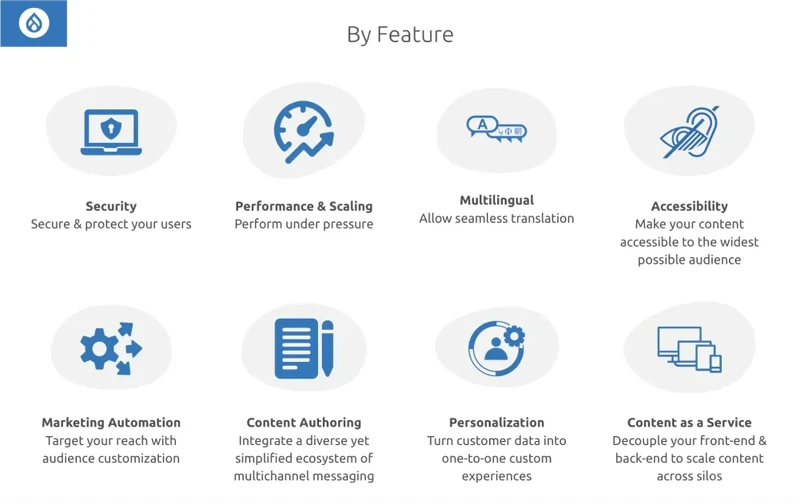
Drupal is a free CMS for e-commerce that requires deep technical knowledge. Unlike other solutions, it is more of a framework for website development. It provides unlimited possibilities for personalizing online stores, but you will have to write a considerable amount of code or hire a developer. However, the site's main elements, like the payment system, catalog, and shopping cart, are connected in the form of ready-made modules, simplifying the task.
Advantages | Disadvantages |
Handy tools for developing adaptive mobile versions of websites | Complex content management system |
Multiple language support | The need to take care of the online store security system yourself |
Almost unlimited possibilities for integration of external services | Limited selection of free add-ons |
Free modules for SEO promotion in the application library |
|
Own system for assigning employee roles |
|
Increase the Capabilities of your CMS by Integrating with Claspo
Regardless of which CMS you choose, you can always integrate it with Claspo via Google Tag Manager and take your online store to the next level:
More than 700 ready-made templates for different purposes that are easy to adapt to your branding and current needs;
The highest performance score on Google PageSpeed Insights ensures that Claspo widgets won't slow down your website's loading speed;
Preset display rules that ensure a positive user experience;
Built-in features to prevent bounce rate growth;
A/B testing to check your hypotheses through experimentation and identify the best solutions for your business;
Integrates with multiple CRMs and ESPs to smartly incorporate widgets into your online strategy.
Try Claspo for free to see how effective it is for your business, and choose the appropriate subscription plan as soon as your strategy requires it.
Still Not A User Of Claspo? Let's Fix It
Start converting more visitors today. Get started in minutes and see results right after.